
Implementation
School ERP Data Migration Checklist: Move Without Losing Data
A step-by-step plan for moving student, staff and fee data into a new school ERP safely.
By Skolvix Team · · 2 min read
Why migrations go wrong
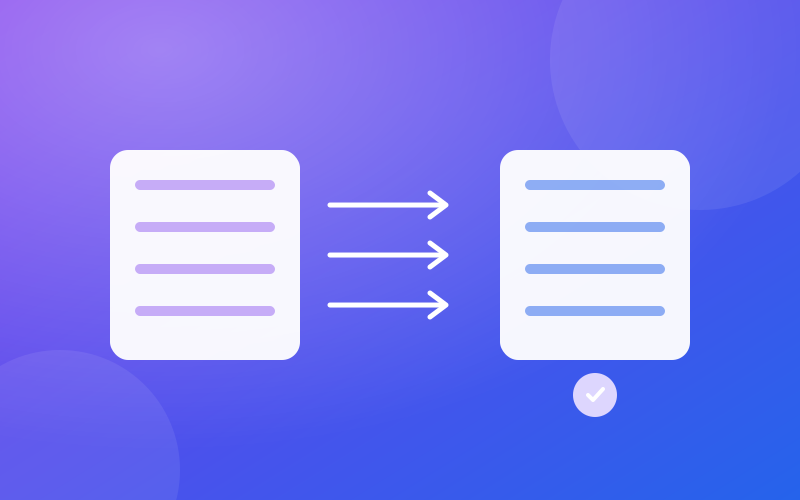
Data migrations fail when they are treated as a file transfer instead of a project. Old records contain duplicates, missing fields and inconsistent formats, and loading them unchecked into a new system just moves the mess.
The checklist
Work through these steps in order.
- Decide scope: current students and staff, fee balances, and how much history you need.
- Export everything from the old system or spreadsheets and keep an untouched backup.
- Clean the data: remove duplicates, standardise names, dates and class names, and fill essential gaps such as guardian contacts.
- Map fields from the old format to the new system with your vendor.
- Import a small sample first, such as one class, and inspect it manually.
- Validate totals: student count per class, total fees due and staff count must match the source.
- Run a short parallel period for attendance and fees if possible.
- Train staff, then switch over on a clean date such as the start of a term.
- Keep the old data read-only as an archive.
What your vendor should handle
A good vendor helps with mapping and import, not just the software. Skolvix's team helps schools import students, staff, classes and fee records from spreadsheets or existing software so they can go live quickly.
Common data problems and how to fix them
Duplicate students are the most frequent issue: the same child entered twice with slightly different spellings. Sort by name and date of birth to spot them and merge before import. Inconsistent class names such as 'Grade 5', 'Class V' and '5th' should be standardised to one format.
Missing guardian contact details are the next problem, because parent apps and notices depend on them. Collect missing numbers and emails during the first weeks of term, using a simple form or a call from class teachers.
Fee balances need special care. Reconcile each family's opening balance against receipts, record the date as of which balances are carried forward and keep the supporting file. Disputes are far easier to settle with a clean starting point.
Choose the right moment
The start of a term or academic year is easiest because balances are fresh and few records are in flight. Avoid switching in the middle of exams or fee-collection deadlines.
Frequently asked questions
- How long does migration take?
- For a single campus with clean spreadsheets, days. Larger or messier data sets take longer because of cleaning and validation.
Learn more about School management software with Skolvix, or see our pricing.